Table of Contents (15 sections)
Understanding Mobile Device Privacy
Mobile device privacy refers to the practices and measures that individuals can take to protect their personal data and privacy while using mobile gadgets. With the increased usage of smartphones, tablets, and wearables, mobile privacy has become a key concern. According to Pew Research Center, over 80% of Americans feel more vulnerable to their privacy on mobile devices than ever before, mainly due to tracking technologies and data breaches.
The risk of data exposure is significant. Smartphones can track location, collect emails, and store sensitive personal information. In 2026, with technology evolving rapidly, it's more crucial than ever for users to grasp what mobile device privacy means and to take proactive measures to safeguard their data.
Key Issues Surrounding Mobile Privacy
Several critical issues dominate discussions around mobile privacy: tracking by apps, unsolicited data collection, and unauthorized access. For instance, many apps request permission to access contacts, camera, or location without a clear necessity. A study by the Electronic Frontier Foundation (EFF) found that nearly 90% of top apps share users' personal data with third parties, underscoring the imperative to understand privacy settings fully.
Step-by-Step Guide to Enhancing Privacy
To effectively safeguard your mobile device privacy in 2026, follow these practical steps:
Step 1: Regularly Update Your Operating System
Keeping your mobile operating system up to date is crucial. Manufacturers regularly release updates that fix vulnerabilities that could be exploited by hackers. Moreover, updates often include enhanced privacy features that you should take advantage of. Check your device settings every month to ensure you are on the latest version.
Step 2: Control App Permissions
Review app permissions regularly. You can do this by going to the settings menu on your device and checking the permissions granted to each app. Revoke access to any permissions that seem excessive for the app's functionality. For instance, a simple fitness app should not need access to your contacts or microphone.
Step 3: Use Strong, Unique Passwords
Passwords are the first line of defense. Use a combination of uppercase and lowercase letters, numbers, and symbols to create strong, unique passwords for each of your accounts. According to LastPass, 81% of data breaches are due to weak, reused passwords. Consider using a password manager to store and generate secure passwords.
Step 4: Enable Two-Factor Authentication
Two-factor authentication (2FA) adds an extra layer of security by requiring not just a password but also something that only you have access to, such as a text message code. Enable 2FA for your most sensitive accounts to dramatically reduce the risk of unauthorized access.
Step 5: Use a VPN When Accessing Public Wi-Fi
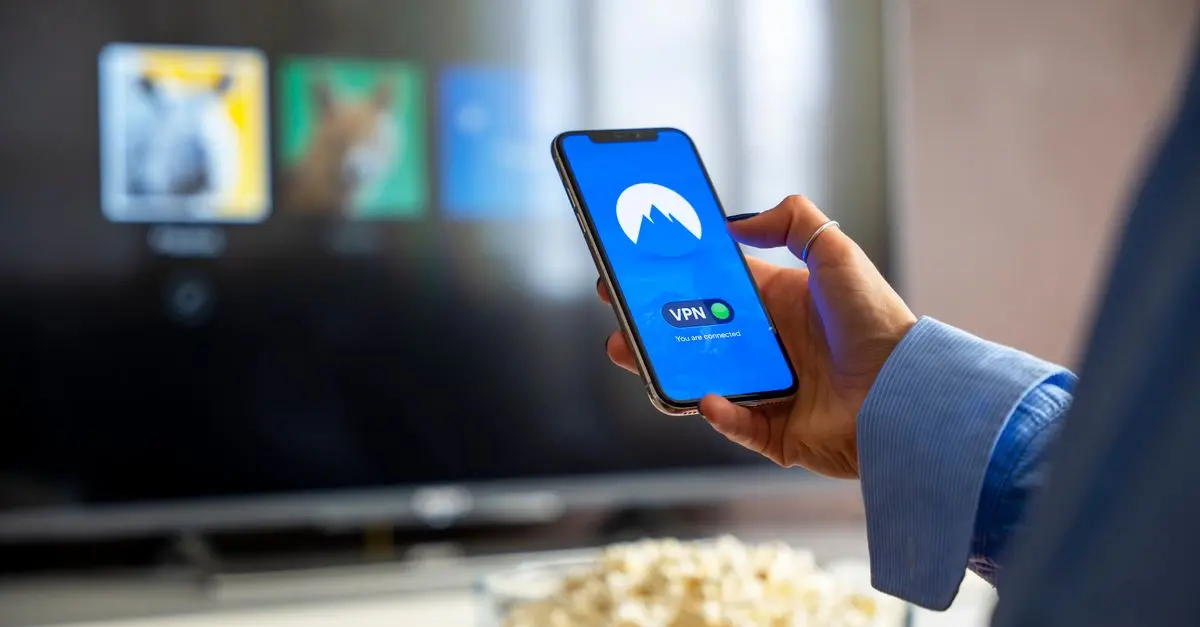
Public Wi-Fi networks are often insecure, making it easy for hackers to intercept your data. Using a Virtual Private Network (VPN) encrypts your internet connection, protecting your data from prying eyes. Choose a reputable VPN service that does not log your data and offers strong encryption standards.
Step 6: Regularly Back Up Your Data
Regular backups protect you not only from data loss but also from privacy violations. Utilize cloud services or external hard drives to back up important data. Regularly check your backup’s effectiveness to ensure it’s up to date.
Comparative Analysis of Privacy Features
When considering applications for mobile privacy, users often compare various aspects. The following table outlines critical privacy features among popular applications:
| Feature | App A: Signal | App B: WhatsApp | App C: Telegram | Verdict |
|---|---|---|---|---|
| End-to-End Encryption | Yes | Yes | Yes | All provide strong encryption |
| Data Collection | Minimal | Moderate | Moderate | Signal stands out |
| User Anonymity | High | Low | Medium | Signal offers best anonymity |
| Open Source | Yes | No | Yes | Signal and Telegram promote transparency |
Data-Driven Insights on Mobile Privacy
As per Statista, mobile phone users globally are expected to reach 6.8 billion by 2027, indicating the extent of personal data collected and shared. Research shows that mobile device privacy is vital, with about 70% of users reporting concerns about their data being sold to advertisers. Moreover, according to a Norton report, identity theft and data breaches resulted in losses exceeding $50 billion in 2025 alone. Therefore, staying informed on mobile privacy best practices is not merely a recommendation but a necessity in today's digital age.
Frequently Asked Questions
Q1: What is mobile device privacy?
A1: Mobile device privacy refers to the practices put in place to protect personal data on mobile gadgets from unauthorized access and tracking.
Q2: Why should I care about app permissions?
A2: Apps may request access to sensitive information. Allowing unnecessary access can compromise your personal privacy and security.
Q3: How does a VPN help with privacy?
A3: A VPN encrypts your internet connection, protecting your data, particularly on unsecured public Wi-Fi networks.
Q4: What are the best practices for mobile device privacy in 2026?
A4: Regular updates, controlling app permissions, strong passwords, 2FA, using a VPN, and data backups are essential.
Checklist Before Ensuring Mobile Privacy
- [ ] Keep your operating system updated
- [ ] Review app permissions frequently
- [ ] Use strong, unique passwords
- [ ] Enable two-factor authentication on key accounts
- [ ] Employ a VPN on public networks
- [ ] Regularly back up your data
Glossary
| Term | Definition |
|---|
| VPN | Virtual Private Network; a secure method of connecting to the internet that ensures data privacy.
| Two-Factor Authentication | An additional layer of security requiring two forms of verification to access an account.
| End-to-End Encryption | A method of data transmission in which data is encrypted on the sender’s device and only decrypted on the recipient’s device.
📺 For further insight: Mobile Privacy Explained, an extensive dive into practical tips for guarding your data. Look it up on YouTube:
mobile device privacy practices 2026.
🧠 Quick Quiz: What is the main benefit of using a VPN?
- A) Increased data storage
- B) Enhanced online privacy
- C) Faster internet speed
Answer: B — VPNs primarily serve to protect user privacy online.